 Newly supported
REMASTERED
The Witcher 3: Wild Hunt — Remastered
Use your Steam copy. Allow at least 80 GB plus update space, install in the default Steam library, and launch from GameToMac.
THE GAMETOMAC LIBRARY
Find your next Windows game to play on an Apple Silicon Mac. Check the edition, see what you need, and get set up with your own game account.
PICK YOUR NEXT GAME
Every game below is supported by GameToMac.
Check each card for edition and setup requirements.
Big worlds. New characters. One more quest.
Newly supportedREMASTERED
Use your Steam copy. Allow at least 80 GB plus update space, install in the default Steam library, and launch from GameToMac.
 Supported
EVIL HAS RETURNED.
Use your Battle.net PC copy. Install and choose Play in the Battle.net window opened by GameToMac. Requires macOS 26.5 or later.
 Supported
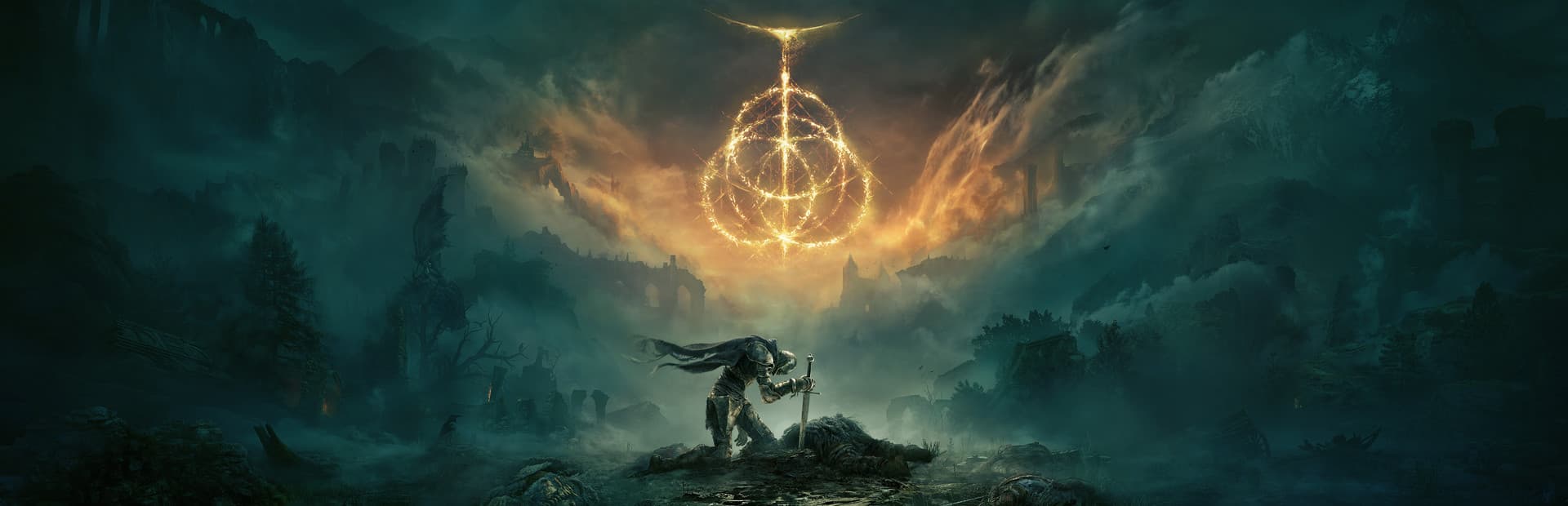
RISE, TARNISHED.
Offline single-player only. Launch from GameToMac; online multiplayer is unavailable.
 Supported
THE DEFINITIVE EDITION
Steam Definitive Edition only. Sign in to Rockstar when prompted; the original 2004 release is not included in this support.
 Supported
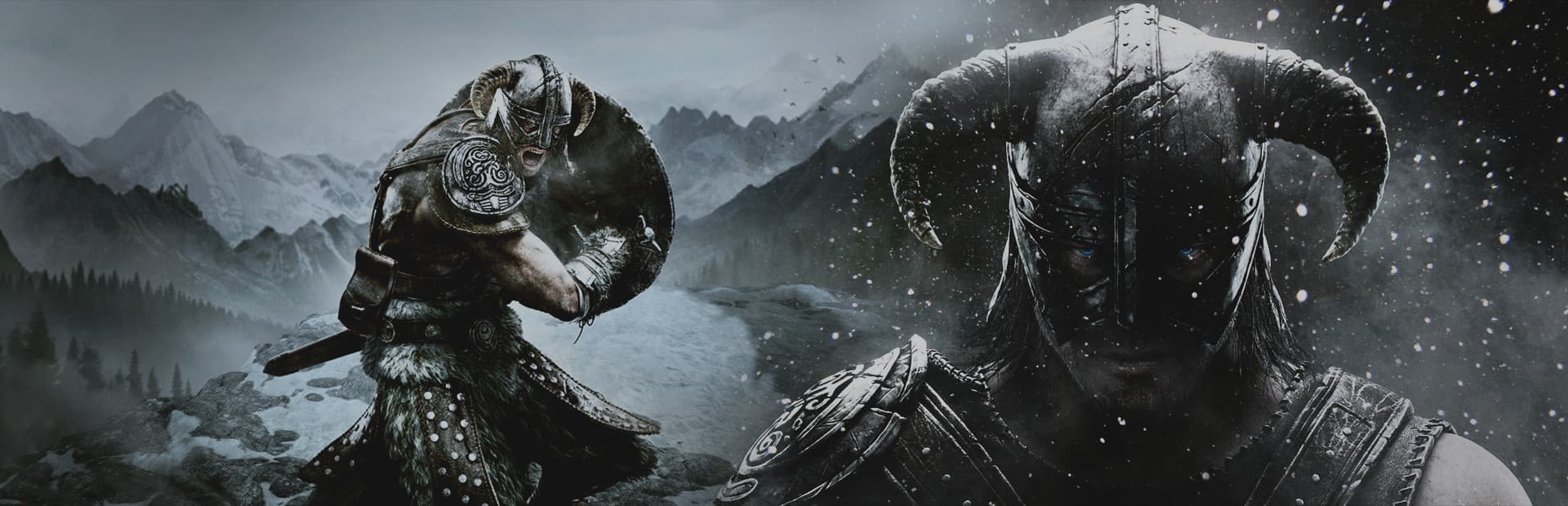
THE ELDER SCROLLS V
Use your Steam copy of Special Edition. Choose Play in the Skyrim launcher after opening it through GameToMac.
 Supported
YOUR LETTER HAS ARRIVED.
Use the Steam edition. Allow shader preparation to finish on your first launch before starting your adventure.
 Supported
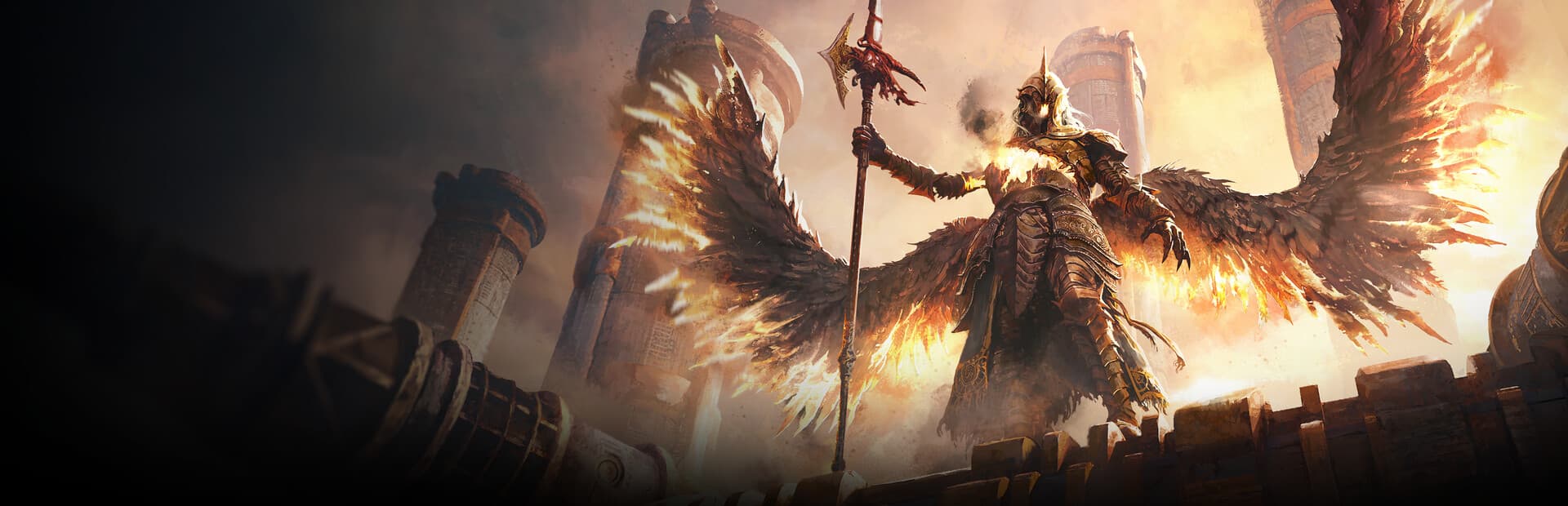
RETURN TO WRAECLAST.
Requires Steam access to Path of Exile 2 and an internet connection. Allow about 150 GB for the game, plus update space.
 Supported
ENTER SANCTUARY. FORGE YOUR LEGEND.
Supports Steam and Battle.net PC copies. Choose the store where you own Diablo IV in GameToMac. A Battle.net account and internet connection are required.
Build your empire. Plan your next move.
 Supported
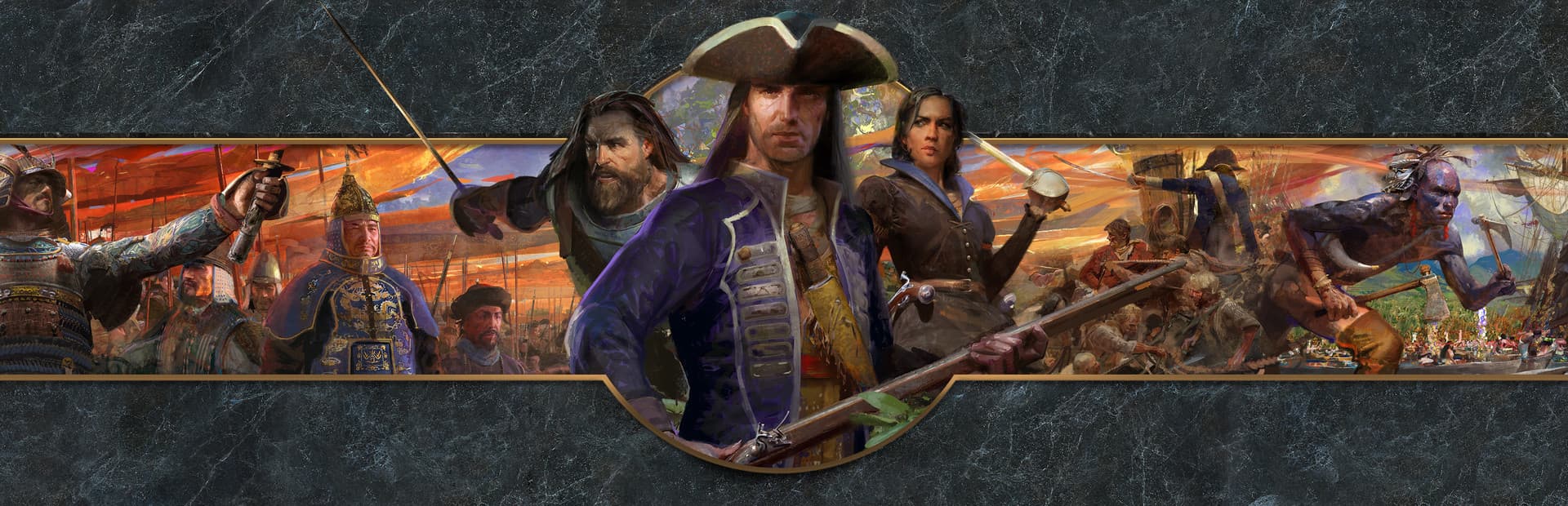
GODS. HEROES. LEGENDS.
Use the Steam version of Retold. Resume multiplayer saves through Multiplayer → Host → Game Mode → Saved Game.
 Supported
DEFINITIVE EDITION
Use the Steam Definitive Edition. Let the intro videos play before skipping to help avoid a startup connection warning.
 Supported
COMPLETE EDITION
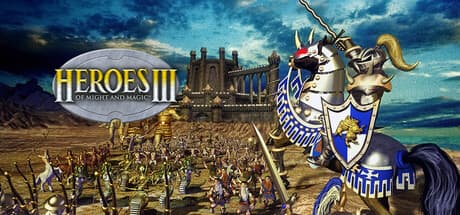
Use the Steam Complete Edition, including Armageddon’s Blade and The Shadow of Death. HD Edition is a separate game and is not supported by this profile.
 Supported
COMMAND & CONQUER
Single-player and community multiplayer through CnCNet. Friends need CnCNet and the same game mode.
 Supported
COMMAND & CONQUER
Play campaigns and skirmishes, or use GeneralsOnline for community multiplayer. GameToMac guides you through setup.
 Supported
A CLASSIC. A NEW HOME.
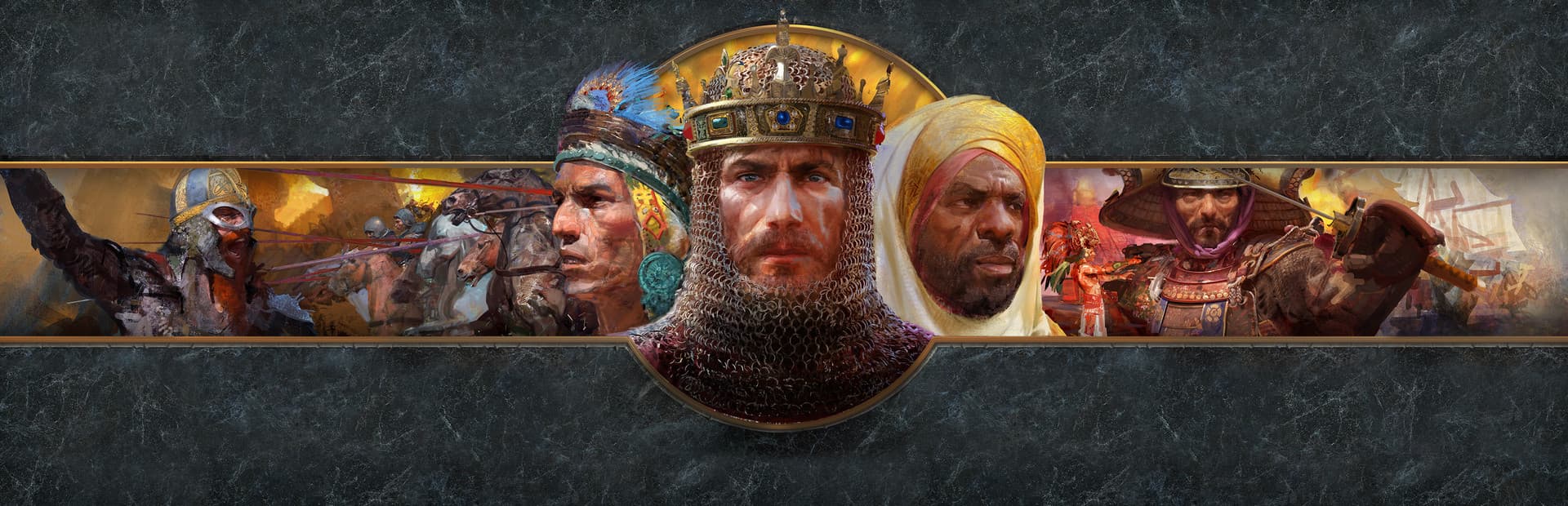
Play the Windows Steam edition on Mac with and against Windows players through GameToMac. A native Mac edition is also available, with Mac-only multiplayer.
About the native Mac edition ↗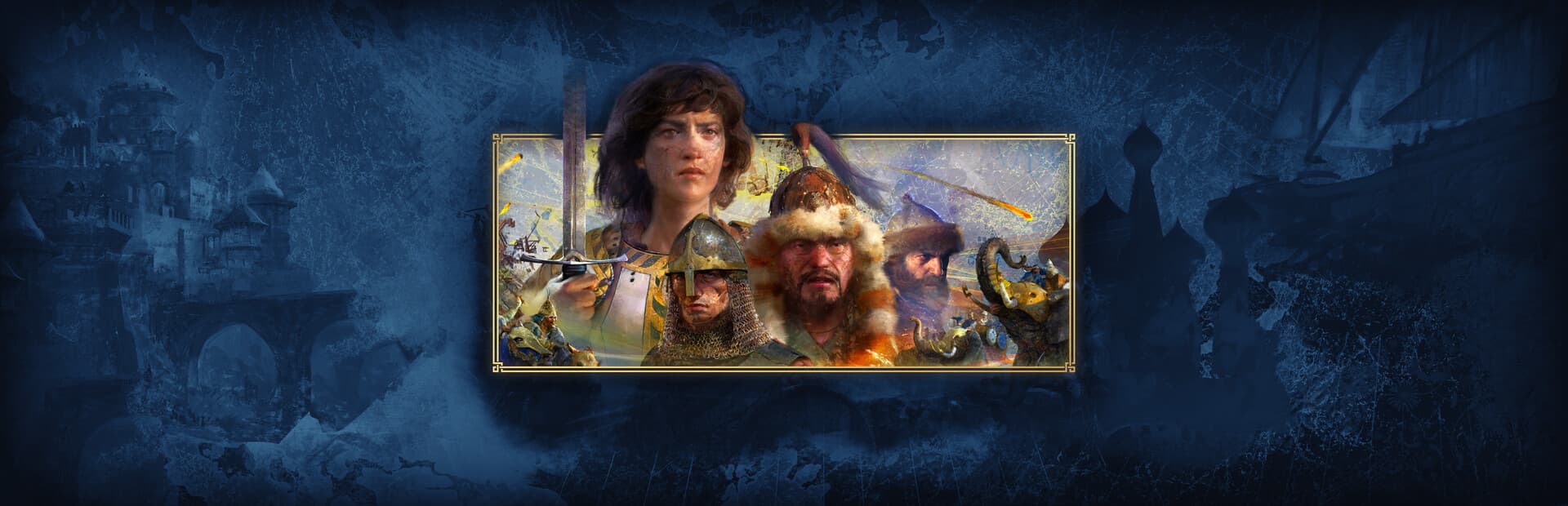 Supported
ANNIVERSARY EDITION
Use your Steam copy of Anniversary Edition. Online matches with Windows players have been tested with supported builds.
 Supported
EVERY BATTLE TELLS A STORY
Use your Steam copy. Online matches with Windows players have been tested with supported builds.
Find your team. Make the next round count.
 Supported
CHOOSE YOUR HERO. PLAY YOUR PART.
Install through Steam and link your Battle.net account. New maps and effects may stutter while graphics are cached.
 Supported
YOUR SQUAD. YOUR NEXT ROUND.
Install through the Steam window opened by GameToMac. First launch includes graphics preparation; see the guide for setup and limitations.
BEFORE YOU DOWNLOAD
GameToMac prepares a Windows compatibility environment for the supported game you choose. Install through the launcher it opens. Most games use Steam. Diablo II: Resurrected uses Battle.net, and Diablo IV supports either store.
M1 or later, running macOS 26+. Diablo IV, Path of Exile 2, and Hogwarts Legacy need macOS 26.5+. Intel Macs are not supported.
Use the edition and store listed above. For Diablo IV, choose Steam or Battle.net. Some Steam games also require Battle.net or Rockstar sign-in. Games and paid licenses are separate.
Allow room for game downloads, compatibility components, and updates. Performance varies with hardware, resolution, and game settings.
GOOD TO KNOW
GameToMac currently supports the 18 games listed here, including Counter-Strike 2, Skyrim Special Edition, Age of Empires IV, Overwatch, and Diablo IV. Support applies to the specified editions and requirements. It is not a launcher for every Windows game.
GameToMac requires an Apple Silicon Mac (M1 or later) and macOS 26 or later. Diablo IV, Path of Exile 2, and Hogwarts Legacy require macOS 26.5 or later. Intel Macs are not supported. Performance depends on your Mac, the game, and its settings; meeting the system requirement is not a frame-rate guarantee.
Yes, where a game requires a paid license. Use your own account and the edition shown on its card. Diablo II: Resurrected uses Battle.net. Diablo IV supports both Steam and Battle.net PC copies. CS2 and Overwatch are free to play on Steam, with optional purchases separate. Path of Exile 2 requires access on your Steam account. GameToMac does not include paid games or licenses.
This directory describes games supported through GameToMac’s Windows compatibility setup. It does not mean the publishers provide a native Mac version. Some games, including Age of Empires II: Definitive Edition, also have a native Mac release available separately from this route.
It depends on the game and service. Online matches with Windows players have been tested with supported builds of Age of Empires IV and Company of Heroes 3. Red Alert 2 uses CnCNet and Zero Hour uses GeneralsOnline. Other modes and anti-cheat services have their own requirements; support for every competitive service is not implied.
It is not currently part of GameToMac’s supported catalog. More games are planned, and each is tested before being added. Game and macOS updates can also require a GameToMac compatibility update.
YOUR LIBRARY STARTS HERE
Download GameToMac, choose a supported title, and follow the setup.
Download for MacApple Silicon · macOS 26+ · Game-specific requirements apply