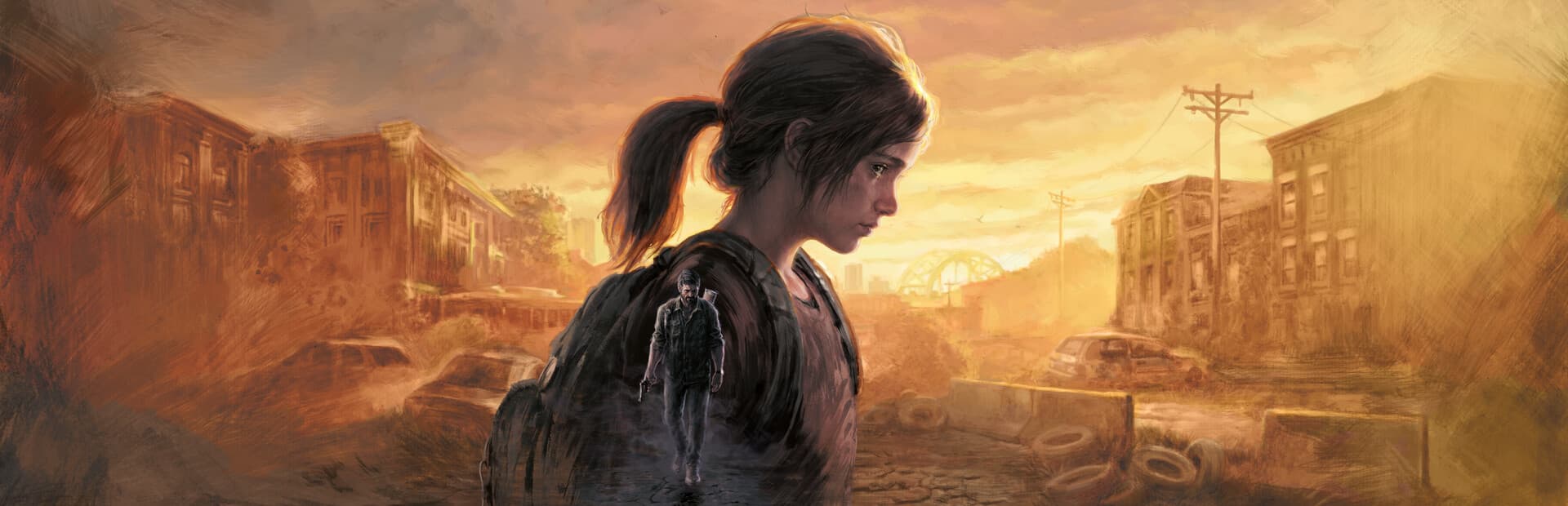
Choose The Last of Us Part I on Steam
Use the PC release named The Last of Us Part I in your Steam library. This setup does not cover The Last of Us Part II Remastered, older PlayStation releases, or copies from other PC stores.
Part I is a single-player game, including Joel and Ellie’s main story and the Left Behind prequel chapter. GameToMac does not include the game or a paid license.
The Last of Us Part I: Mac requirements
- Mac
- Apple Silicon (M1 or later) and Rosetta. Intel Macs are not supported.
- System
- macOS 27 or later. This GameToMac profile does not run on macOS 26.
- Game
- Your own Steam PC copy of The Last of Us Part I.
- Account
- The Steam account that owns the game.
- Storage
- At least 100 GB for the game, plus room for updates and setup components. An SSD is recommended. Check Steam’s installation estimate and use GameToMac’s Storage setup for an external drive.
- Connection
- Internet access for Steam sign-in, downloads, and updates.
GameToMac requirements describe this compatibility setup. Publisher specifications and edition details are linked in the sources below.
How to play The Last of Us Part I on Mac
Check macOS, then choose the game
Make sure your Apple Silicon Mac is running macOS 27 or later. Open GameToMac, select The Last of Us Part I, and choose Get started.
Sign in to Steam
Use your own account in the Steam window opened by GameToMac and complete Steam Guard if prompted.
Install Part I
Install The Last of Us Part I in the suggested Steam library. Wait for downloads, unpacking, and verification to finish.
Prepare for your first journey
Choose Play now in GameToMac. Allow the game’s shader preparation to finish before starting your story.
Begin the story
Start playing and adjust graphics settings for your Mac. Launch through GameToMac for later sessions too.
The Last of Us Part I requires macOS 27 or later. Install in the suggested Steam library and launch through GameToMac so its game-specific setup is applied.
Before you begin the journey
Let shaders finish preparing
The first launch may take longer while the game prepares shaders. Keep the game open and let preparation finish before judging loading times or performance.
Choose graphics for your Mac
Performance depends on your chip, memory, resolution, graphics settings, and the scene. Begin with modest settings and adjust after playing. GameToMac prepares a 30 FPS cap for this profile; it is a limit, not a promise that every Mac or scene reaches it.
If something interrupts play
Keep GameToMac and the game up to date. If a problem persists, use GameToMac’s Help and include the exact message, your Mac model, macOS version, and where it happened. A game update may require a corresponding compatibility update.
The Last of Us Part I on Mac: FAQ
Will it work on macOS 26?
No. The Last of Us Part I profile requires macOS 27 or later, even though most GameToMac games support macOS 26.
Which edition do I need?
Use your own Steam PC copy of The Last of Us Part I. Part II Remastered and PlayStation editions are separate releases.
Does it include multiplayer?
The Last of Us Part I is single-player. This setup does not include a multiplayer mode.
How much storage should I allow?
The publisher lists 100 GB for the PC game and recommends an SSD. Leave extra room for updates and GameToMac’s components.
Is the game included with GameToMac Pro?
No. Pro covers GameToMac access; you purchase the game separately on Steam.
More games for your Mac.

Red Dead Redemption 2 on Mac
Follow another memorable story across America.

Spider-Man 2 on Mac
Explore a different kind of hero’s journey in Marvel’s New York.
The Witcher 3: Wild Hunt on Mac
Discover a world of difficult choices and unforgettable characters.
Compare editions and requirements across the full supported games directory.