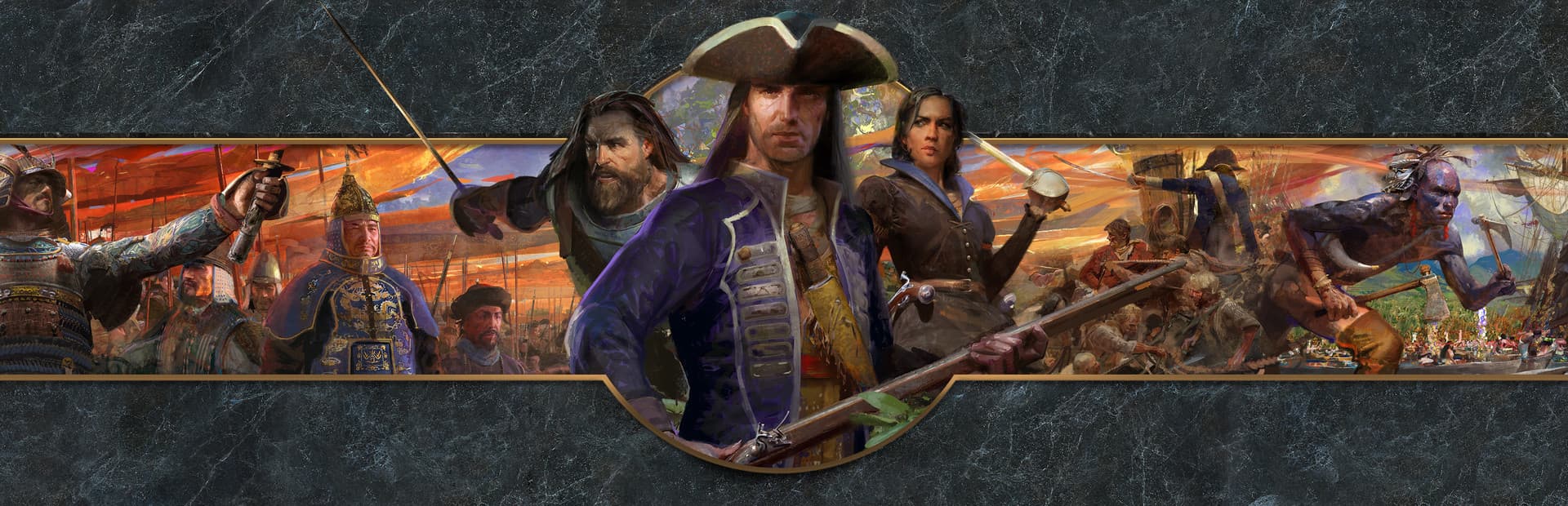
01 / THE RIGHT VERSION
Choose Definitive Edition
Use Age of Empires III: Definitive Edition on Steam. The original Age of Empires III and Complete Collection are different releases and are not the edition covered by this guide.
02 / BEFORE YOU DOWNLOAD
Age of Empires III: Mac requirements
- Mac
- Apple Silicon (M1 or later), macOS 26 or later, and Rosetta.
- Game
- Your own Steam copy of Age of Empires III: Definitive Edition.
- Account
- The Steam account that owns the game.
- Storage
- Follow Steam’s current space estimate and allow extra room for compatibility components and updates.
GameToMac requirements describe this compatibility setup. Publisher specifications and edition details are linked in the sources below.
03 / INSTALL AND PLAY
How to play Age of Empires III on Mac
Choose Age of Empires III
Open GameToMac, select Age of Empires III: Definitive Edition, and choose Get started.
Sign in to Steam
Follow the setup prompts and sign in through the Steam window opened by GameToMac.
Install Definitive Edition
Install your Steam copy and wait for downloading and verification to finish.
Build your empire
Return to GameToMac and choose Play now. Let the intro videos play before skipping, then choose your game mode.
Skipping the intro videos immediately may trigger a connection warning. Waiting a little before skipping avoided it in the app’s testing.
04 / TROUBLESHOOTING
If a connection warning appears
Give startup time to finish
The app’s testing found that multiplayer lobbies could still load after dismissing the warning caused by immediately skipping the intros. This does not establish that every multiplayer mode or match works.
If multiplayer stays unavailable, restart the game, let the intros finish, and check your connection. If it persists, contact GameToMac support with the exact warning and what you did before it appeared.
COMMON QUESTIONS
Age of Empires III on Mac: FAQ
Which edition should I install?
Install Age of Empires III: Definitive Edition from Steam. This setup is for Definitive Edition, not the original release or Complete Collection.
Does GameToMac include the game?
No. You use your own Steam copy. Paid game licenses and additional content are separate.
Why do I see a connection warning at startup?
Skipping intro videos immediately can trigger a warning. Let the intros play before skipping. If multiplayer remains unavailable, restart and check your connection.
Can I use an Intel Mac?
GameToMac requires an Apple Silicon Mac, starting with M1, and macOS 26 or later.
WHAT TO PLAY NEXT
More games for your Mac.
Age of Empires II: Definitive Edition on Mac
Return to medieval strategy with Definitive Edition.

Age of Empires IV on Mac
Build another empire across historical campaigns and battles.
Compare editions and requirements across the full supported games directory.
READY TO GET STARTED?
Bring Age of Empires III to your library.
Apple Silicon · macOS 26+ · Your own Steam account
Download GameToMac